
YouTube Banner Size: Dimensions, Safe Area and Common Mistakes
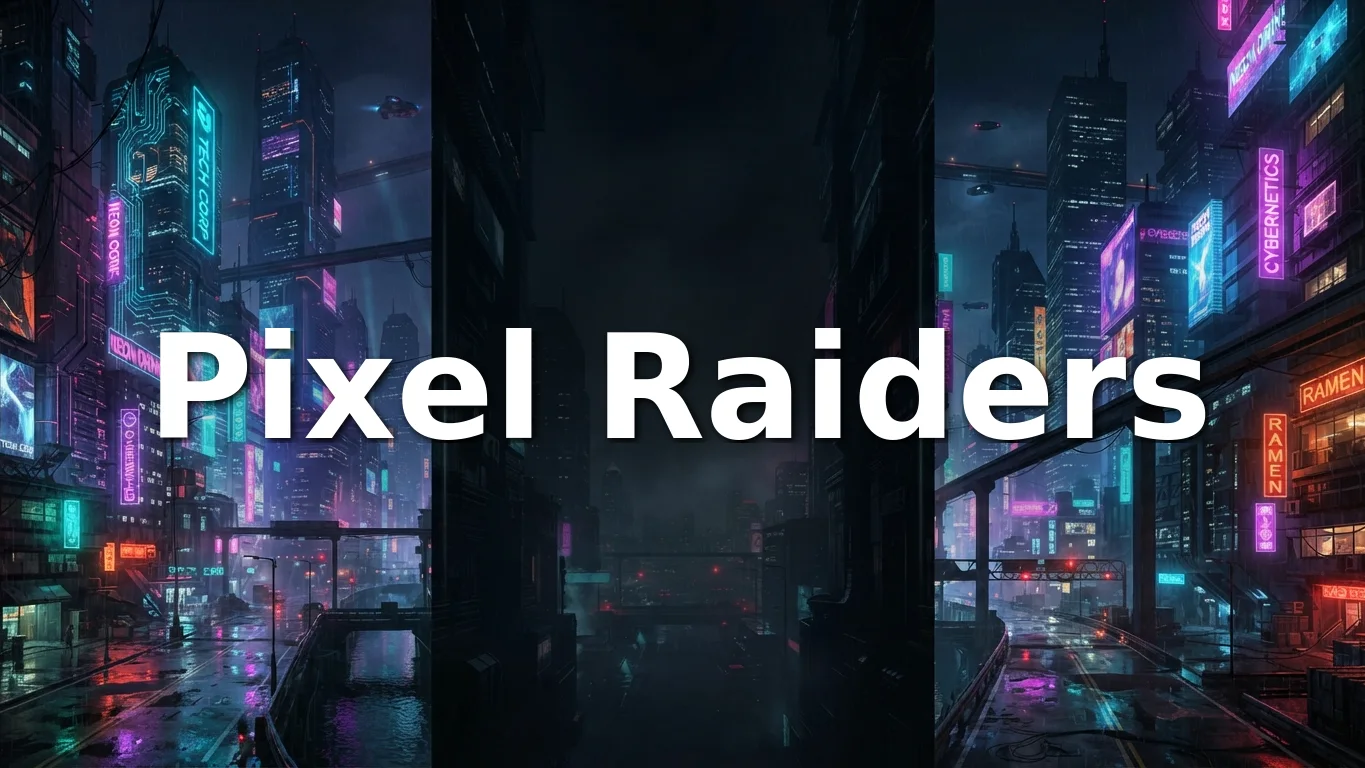
YouTube shows the same banner on a TV, a laptop and a phone, and each one crops it differently. That's why banners that look fine in an editor often end up with the channel name cut in half on mobile. The fix is simple once you know the numbers.
The numbers you need
| Setting | Value |
|---|---|
| Recommended upload size | 2560 × 1440 px |
| Minimum upload size | 2048 × 1152 px |
| Aspect ratio | 16:9 |
| Safe area (visible on all devices) | 1546 × 423 px, centered |
| Maximum file size | 6 MB |
The safe area is the strip in the middle that every device shows. Anything outside it — the top, bottom and sides — appears only on bigger screens like TVs.
Where to put things
- ●Channel name and tagline: inside the safe area, centered.
- ●Faces or your logo: also inside the safe area.
- ●Background scenery: can fill the whole 2560 × 1440 — it's fine if the edges get cropped.
A quick test: imagine the banner shrunk to a thin horizontal strip in the middle. If everything important is still there, you're good.
Common mistakes
- 1Text near the edges. It disappears on phones. Keep it in the middle strip.
- 2Too many words. On a phone the banner is tiny. Two to four words is the most people will read.
- 3Low contrast. White text on a bright sky is unreadable. Use a darker, calmer background behind text.
- 4Uploading a screenshot. Screenshots are often under the 2048 px minimum, and YouTube will reject them.
Sizes for other platforms
| Platform | Recommended size | Keep text… |
|---|---|---|
| X (Twitter) header | 1500 × 500 px | away from the bottom left (profile photo overlaps) |
| LinkedIn personal cover | 1584 × 396 px | right of center (profile photo sits on the left) |
| Facebook page cover | 851 × 315 px | in the center (sides crop on mobile) |
| Twitch profile banner | 1200 × 480 px | in the center |
Making a banner with readable text
Our banner generator splits the job in two: the AI creates the background from your theme, and your headline is added afterward as real text, centered with a soft shadow behind it. That means no misspelled AI lettering and the text always lands in the middle — where the safe area is.
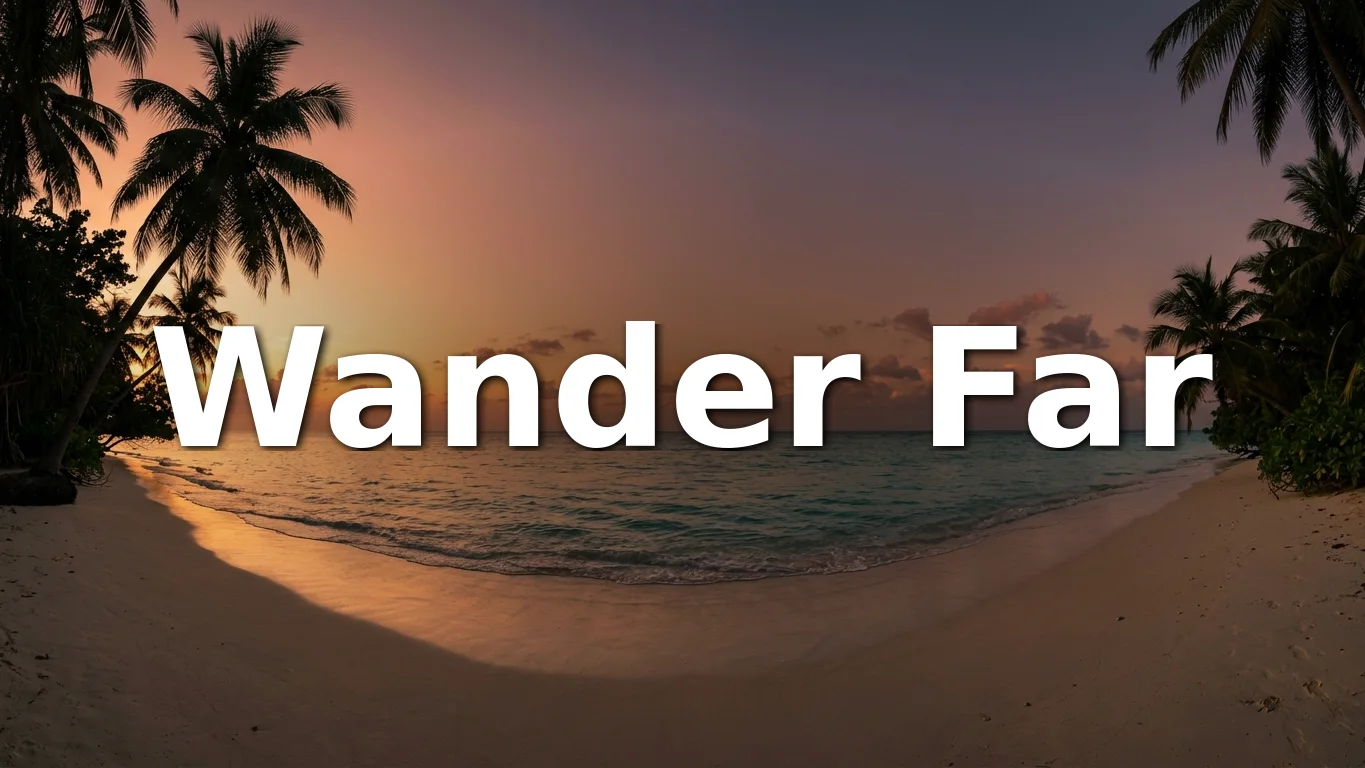
The generated image is 16:9, so it fits YouTube directly. For X, LinkedIn or Facebook, crop it to the size in the table above in any photo editor, keeping the headline in the middle.
Try it with your own channel name in the free AI banner generator.