
Illustrating a Children's Book with AI: How to Keep Your Character Consistent
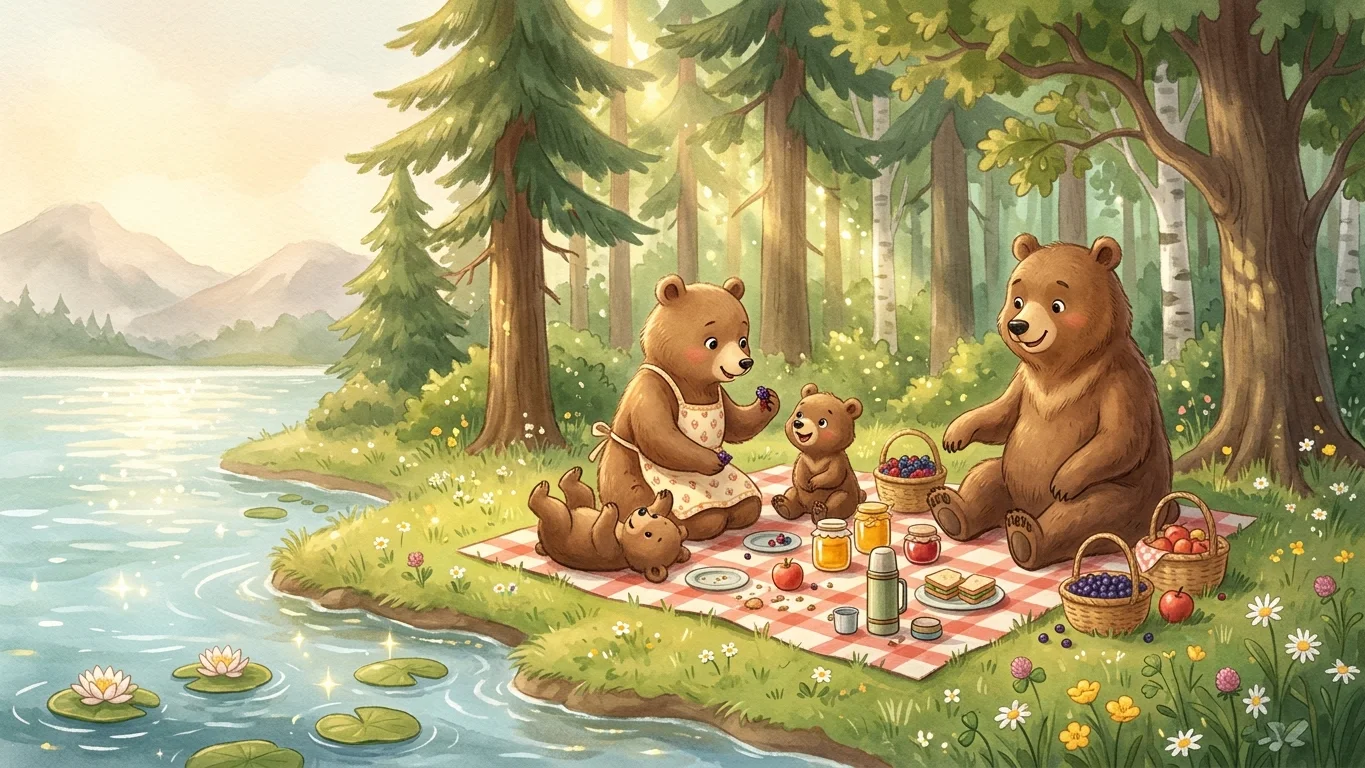
If you've tried to illustrate a story with AI, you've probably met this problem: page one has a small orange fox with a blue scarf, page two has a different fox, page three has a red panda. AI generators don't remember earlier images, so every page is a fresh guess.
You can't make it perfect, but you can make it *much* better with one habit: a fixed character description that you paste into every prompt.
Step 1: Write a character recipe
Before illustrating anything, write a short description that covers what a reader would notice. Keep it to one or two lines:
- ●Species and size: "a small young fox"
- ●Colors: "bright orange fur, white chest, black paws"
- ●One signature item: "a long blue knitted scarf"
- ●Face: "big round green eyes"
That gives you: *a small young fox with bright orange fur, a white chest, black paws, big round green eyes and a long blue knitted scarf*.
The signature item does the most work. Readers recognize a character by one strong detail — a scarf, a red hat, yellow boots — far more than by face shape.
Step 2: Paste the recipe, then add the scene
Every prompt becomes recipe + what's happening on this page:
Change the scene, keep the recipe word for word. Even small rewordings ("blue scarf" vs. "navy scarf") push the model toward a different character.
Step 3: Keep the style words fixed too
Style drifts as much as characters. Choose a style phrase and reuse it: "soft watercolor storybook style, warm evening light". The children's book illustration generator already applies a warm, painterly picture-book style, which keeps pages closer together.
Step 4: Generate more than you need
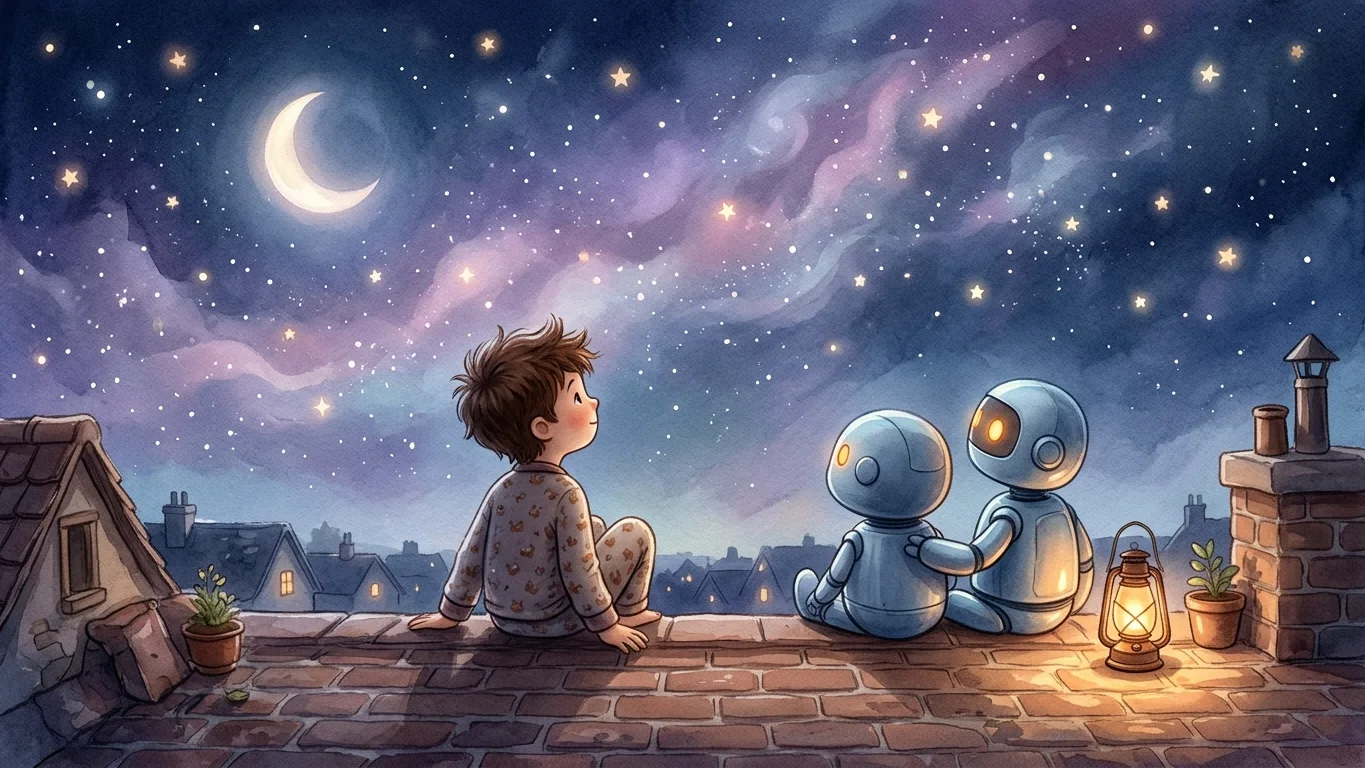
Make three or four versions of each page and keep the one that looks most like your character. It's normal to throw most of them away — professional illustrators sketch many versions too.
What AI still struggles with
- ●Exact consistency. Expect small differences in face shape or proportions between pages.
- ●Two characters interacting. Hugging, holding hands and handing objects over often look strange. Simple side-by-side poses work better.
- ●Text in the picture. Leave all words out of the image and add your story text in your layout tool.
Before you self-publish
- ●Disclose AI use where the platform asks. Amazon KDP, for example, asks authors whether a book contains AI-generated content when publishing.
- ●Check the print size first. Picture books are often square (e.g. 8.5 × 8.5 in) or landscape. Generate in the orientation your book will use.
- ●Write the story first. The best AI-illustrated books are the ones with a strong, short text — the pictures support the story, not the other way round.
Start with your main character's recipe in the free children's book illustration generator.