
✦ Free · No Sign-up · Unlimited Ideas
Free AI Banner Generator
Describe your theme, type your headline, and Dreamixel creates a wide banner background and places your text on it — perfectly spelled and easy to read.
Examples made with this tool
Click “Use this prompt” to load an example into the generator.
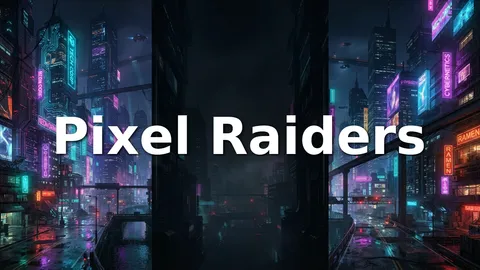
gaming channel, neon cyberpunk city at night
Use this prompt →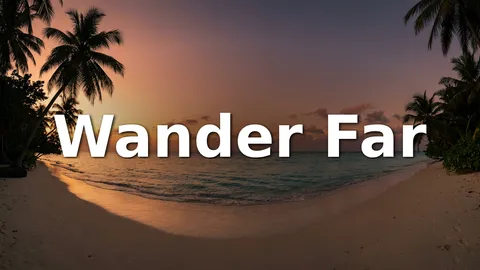
travel blog, tropical beach at sunset
Use this prompt →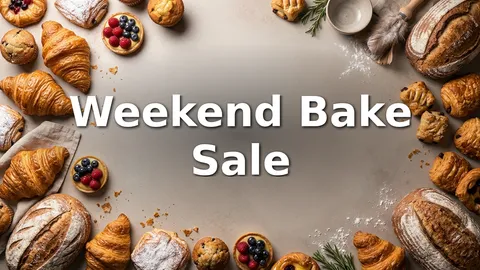
bakery sale, fresh pastries on a pastel table
Use this prompt →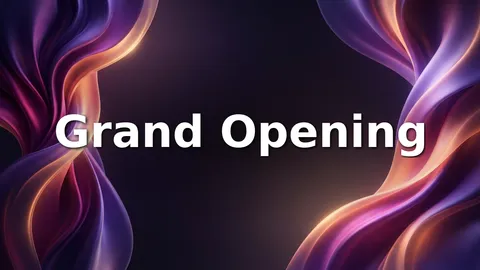
gradient purple and orange abstract waves, modern header
Use this prompt →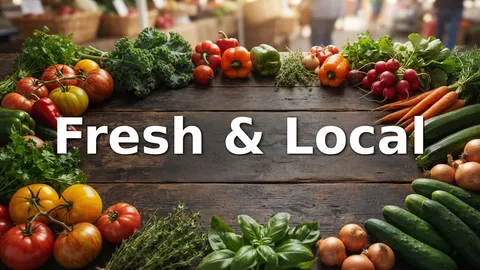
fresh vegetables on a wooden table, farmers market
Use this prompt →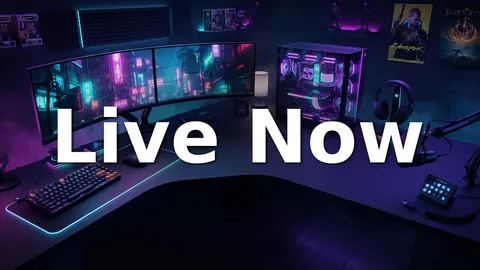
gaming setup with neon lights
Use this prompt →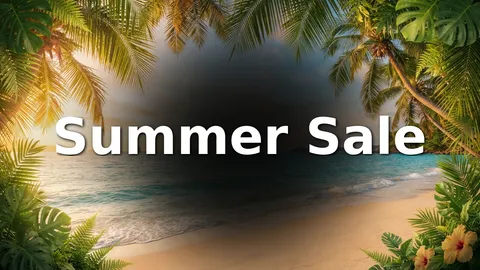
summer beach with palm trees, bright
Use this prompt →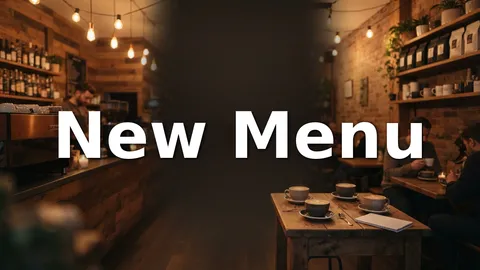
cozy coffee shop interior, warm light
Use this prompt →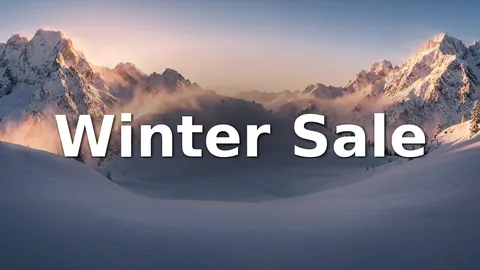
snowy mountains at sunrise, winter
Use this prompt →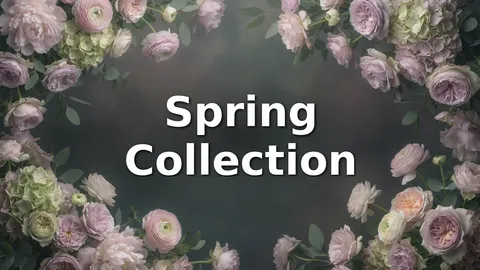
soft pastel flowers background
Use this prompt →How to use the Free AI Banner Generator
- 1
Describe the banner theme and mood.
- 2
Type your headline (optional).
- 3
Generate and download your banner.
Prompt tips for better results
- Describe the theme of your channel or page, not the text — your headline is added separately.
- Short headlines (2–4 words) are most readable on small screens.
- Keep important content in the middle: platforms crop banners differently on mobile.
Banner sizes by platform
| Platform | Recommended size | Safe area |
|---|---|---|
| YouTube channel art | 2560 × 1440 px | 1546 × 423 px in the center |
| X (Twitter) header | 1500 × 500 px | Keep text away from the bottom left (profile photo) |
| LinkedIn personal cover | 1584 × 396 px | Keep text right of center |
| Facebook page cover | 851 × 315 px | Center area shows on mobile |
| Twitch profile banner | 1200 × 480 px | Center |
What you can make
YouTube channel art
Wide banners that match your channel's topic.
Social media covers
Facebook, LinkedIn and X header images.
Website hero images
Eye-catching headers for landing pages.
Sales & events
Quick promo graphics for announcements.
Frequently asked questions
Is my headline spelled correctly?▾
Yes. Your headline is added as real text, exactly as you typed it.
Can I make a banner without text?▾
Yes. Leave the headline empty to get only the background.
Is it free?▾
Yes, free with no sign-up.
Do I need to sign up?▾
No. There is no account, no email and no credit card — open the page and start creating.
Can I use the images commercially?▾
Yes. You can use what you create for personal and commercial projects under our terms of service. Avoid prompts that copy trademarked characters or brands.
Why does it take about a minute?▾
Each image is generated fresh from your description at high resolution, which takes roughly 40–90 seconds. Keep the page open while it works.
More free AI tools
Pick what you want to make — the AI handles the rest.
Free AI Coloring Page Generator
Printable black & white coloring pages
Alphabet & Number Coloring Pages
ABC and 123 learning coloring sheets
AI Children's Book Illustration Generator
Warm illustrations for kids' stories
AI Picture Flashcard Maker
Picture + word learning cards
Free AI Wallpaper Generator
Phone & desktop wallpapers
Free AI Sticker Generator
Cute die-cut sticker designs
Free AI Avatar Generator
Profile pictures in any style
Free AI Logo Generator
Simple brand logo ideas
Free AI Album Cover Generator
Cover art for songs, EPs & podcasts
Free AI Book Cover Generator
Novel, ebook & KDP cover art
Free AI Fantasy Character Generator
RPG & D&D character portraits
Free AI Fantasy Map Generator
World, kingdom & dungeon maps
Free AI Anime Generator
Anime characters & scenes
Free AI T-Shirt Design Generator
Print-on-demand graphics
Free AI Name Art Generator
Name posters & name wallpapers
Free AI Quote Image Maker
Quotes on beautiful backgrounds
Free AI YouTube Thumbnail Maker
Eye-catching thumbnails with your title
Free AI Classroom Poster Maker
Door signs, welcome & rules posters
Free AI Greeting Card Maker
Birthday, thank-you & congrats cards
Free AI Invitation Maker
Party & baby shower invitations
Free Ramadan & Eid Card Maker
Ramadan Mubarak & Eid Mubarak cards